
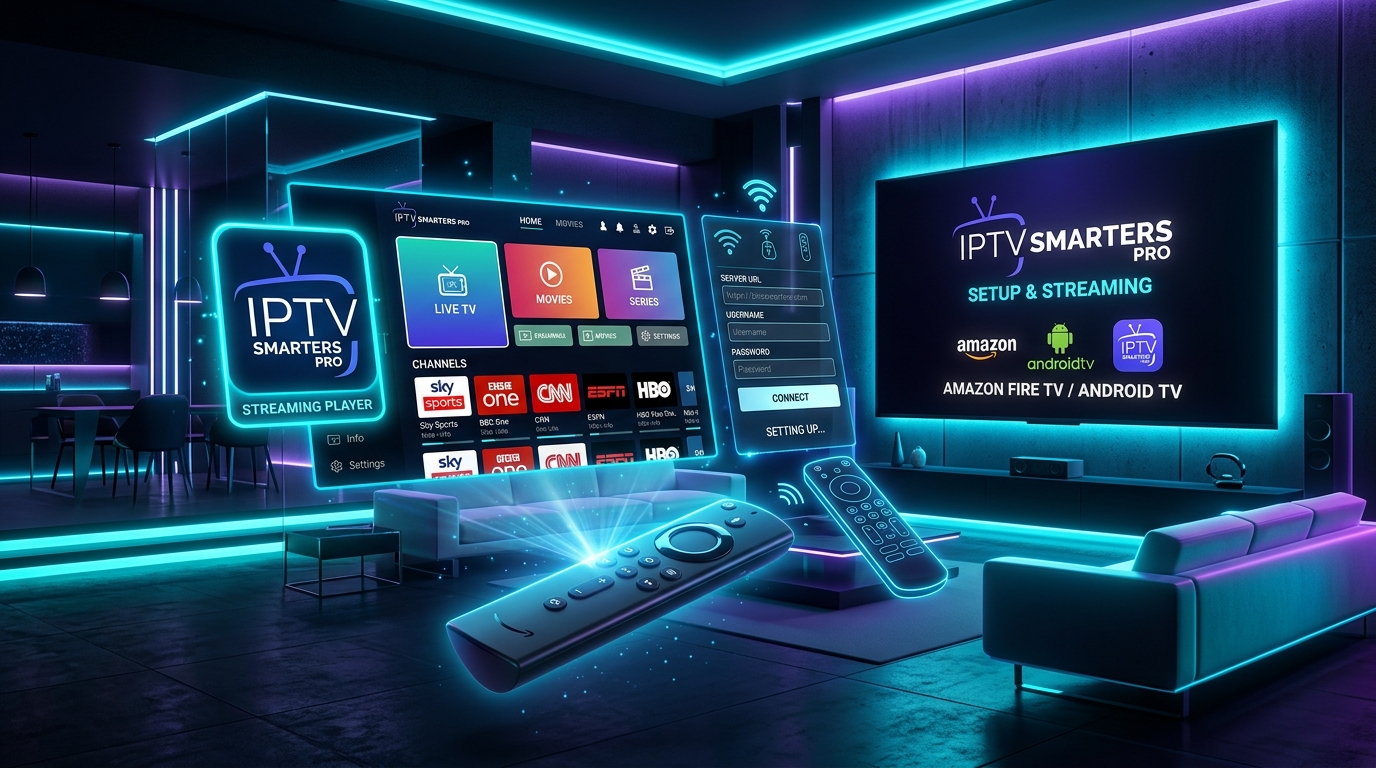
Why IPTV Smarters Pro is the Gold Standard in 2026
IPTV Smarters Pro remains one of the most reliable and user-friendly IPTV media players for Amazon Firestick, Smart TVs, Android TV boxes, and mobile devices. In this practical guide, we cover the exact steps to install and connect your Nartiel8k Official subscription in less than 5 minutes.
Step 1: Install the Downloader App on Firestick
Because IPTV players are specialized streaming tools, you need the official Downloader app from the Amazon Appstore:
- From your Fire TV Home screen, navigate to Find > Search.
- Type “Downloader”, select the orange icon, and click Download / Get.
- Once installed, go to Settings > My Fire TV > Developer Options.
- Select Install Unknown Apps and toggle Downloader to ON.
Step 2: Download IPTV Smarters Pro APK
- Launch the Downloader app and allow storage permissions.
- In the URL field, enter the official short code:
https://www.iptvsmarters.com/smarters.apk - Click Go and wait for the APK to download.
- When prompted, click Install, and then click Done.
Step 3: Connect Nartiel8k Official via Xtream Codes API
Open IPTV Smarters Pro and select “Login with Xtream Codes API”. Enter the credentials delivered to you via WhatsApp:
- Any Name: Nartiel8k Official
- Username: Your personal account username
- Password: Your secure subscription password
- Server URL: The custom portal URL provided in your activation message
Click Add User and let the player download the channel index, VOD library, and 7-day EPG schedule. Enjoy crystal-clear 4K streaming without buffering!
Need Hands-On Setup Assistance?
Our technical team is available 24/7 on WhatsApp to help you configure your playlist, M3U URL, or Xtream Codes API on your specific device.
Chat with Technical Support